Tessercraft (Prototype)
A downloadable game for Windows
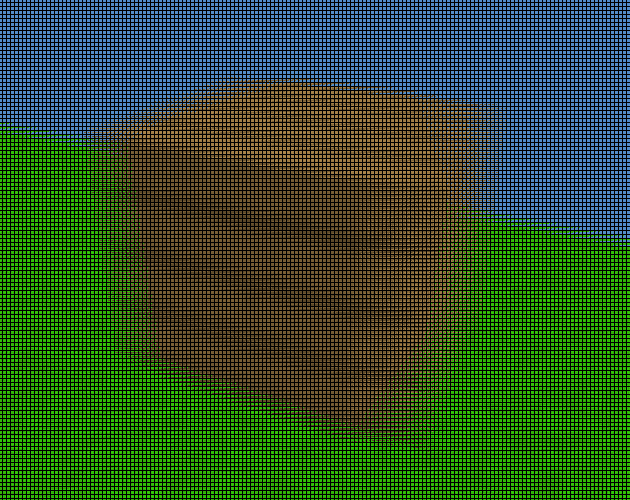
Tessercraft is my 4D minecraft clone. I have big goals for it but right now it is a HIGHLY UNSTABLE prototype. It has no saving, just one chunk (16^4), and no collision. Please do not expect polish or user friendliness.
Controls:
- WASDQE - movement
- Space/Ctrl - up/down
- Shift - slow down
- Middle Click - mouse is now twirl/reel, unless vertical lock or ground view is active then it's just twirl
- Scroll Wheel - change selected block
- Left Click - break
- Right Click - place
- G - ground view toggle (at eye level, you may need to move down to see anything)
- R - vertical lock (toggles mouse up/down between reel and pitch)
- F - screen door (toggles between normal slice and a crazy hard to explain renderer I call the screen door renderer)
- T - inverts the screen door renderer (grid of XY screens on different W levels by reading order)
- Z/X - increase/decrease the W width of the screen door renderer, and if the screen door renderer is inverted, it increases and decreases the number of cells
- Escape - exits the game and saves your world
Download
Comments
Log in with itch.io to leave a comment.
## how to exchange worlds:
go to AppData/Roaming/Godot/app_userdata/Tessercraft or whatever the linux equivalent is, just google "where does Godot save save files"
player.bin is the player position and rotation, world.png is the blocks of the 16^4 space
send that to people and they can use it, and if you download someone else's world, rename it to world.png and put it in the folder.
next time you play it'll have the new world
you can delete the world file to get a new random world, there's a 50/50 chance to get a normal grass world and the fucked up mirror dimension